In short: raise your screen to eye height, add a separate keyboard and mouse, and light the wall behind your monitor. Only then think about the chair. The first two fixes can cost almost nothing.
Working from home stops being sustainable in a predictable way. It is rarely boredom first. It is the neck, then the lower back, then the eyes, usually around month three, when the kitchen table starts to feel like the enemy. Fixing it is much cheaper than office furniture catalogues suggest, and the order matters more than the budget.
1. Get the screen to eye height
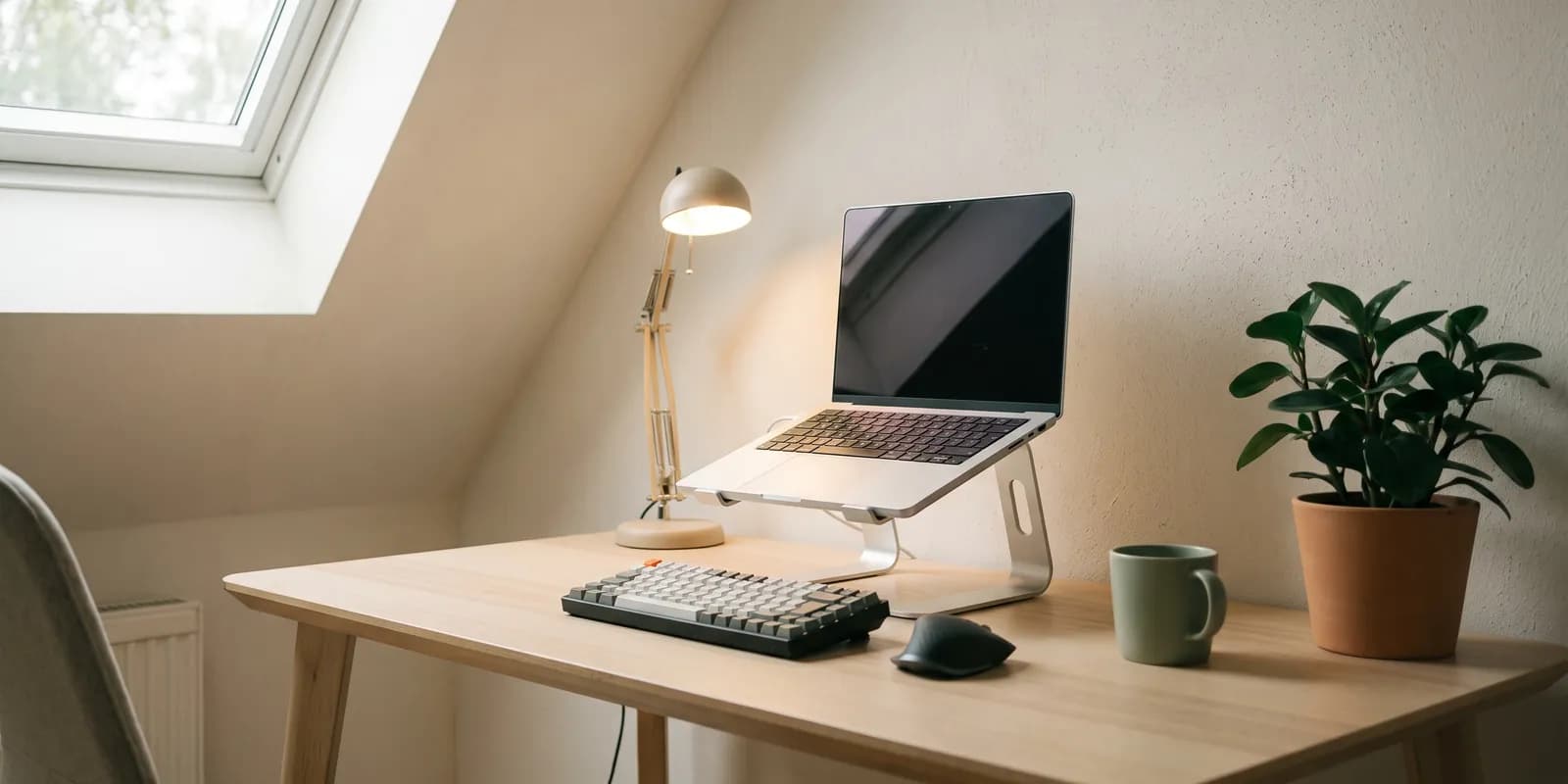
This is the biggest win available, and it can be free. A laptop on a table puts the screen well below eye level, so your neck holds your head at an angle for eight hours a day. Raise it until the top of the screen sits roughly at eye height, and most of that strain disappears.

A laptop stand does it neatly. A stack of books does it for free. Either way, once the screen goes up, typing on the laptop keyboard becomes impossible. That makes the next purchase essential.
2. A separate keyboard and mouse
Cheap, and the thing that makes the first fix work. With the screen raised, your hands need to sit lower and closer to you. Any decent set will do. There is no need to spend much.
3. Light that is not just the screen
Eye strain at home is usually a contrast problem, not a brightness problem. A bright screen in a dim room makes your eyes work all day. A small lamp aimed at the wall behind or beside the monitor evens that out for very little money.
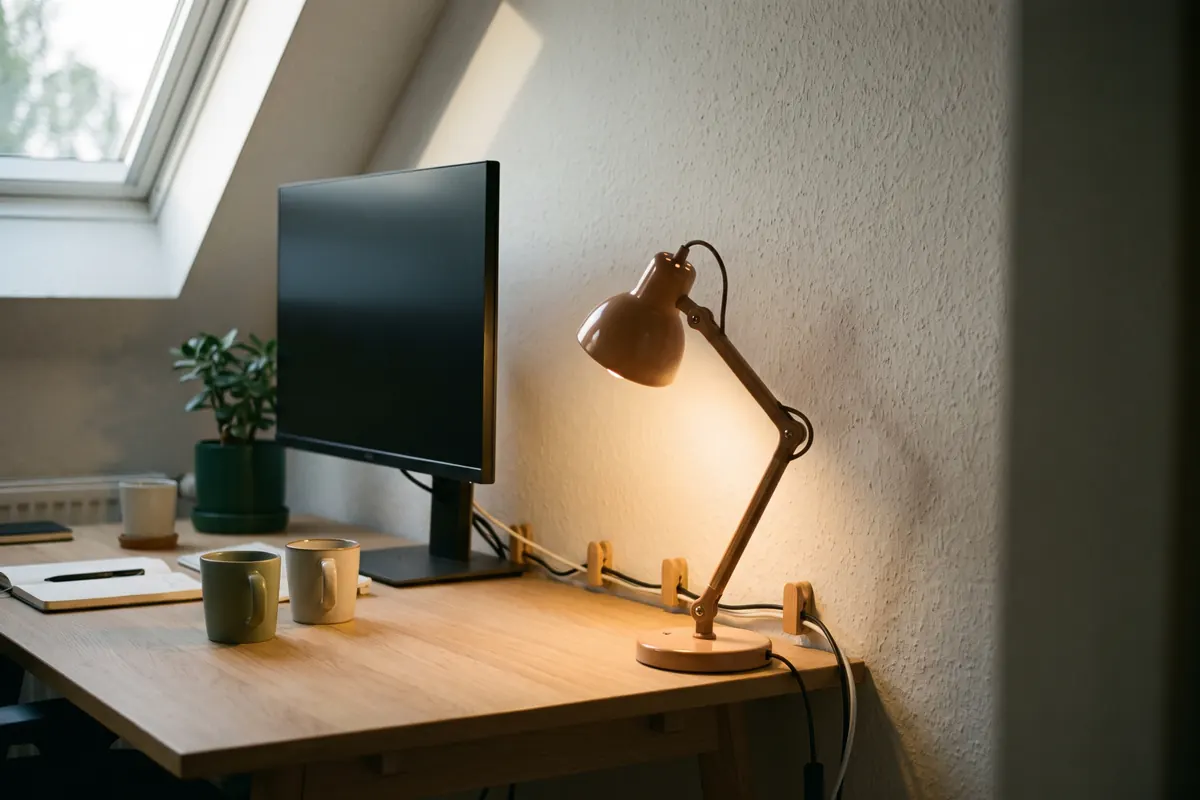
While you are at it, turn your desk so the window is beside you, not in front or behind. That costs nothing and fixes both glare and a dark, backlit face on video calls.
4. Then, and only then, the chair
Chairs are where the money goes, and they come fourth for a reason. A great chair facing a screen at chest height still leaves you with a sore neck. Fix the setup first, then decide how much budget the seat deserves. On a tight budget, a lumbar cushion and a footrest rescue a surprising amount from an ordinary chair.
The fix that is not furniture
Cable management sounds cosmetic. It is not. A desk you have to untangle every morning is a desk you use less. A few cable clips cost almost nothing and remove a small daily annoyance, which over a year decides whether the setup gets used at all.